1. Navigate to https://www.quantaco.co/

2. Click "LOGIN"

3. Login to QPlatform and select QFinance from the top left drop down
4. From the left navigation bar, click on Receivable. Select Aged Receivable.
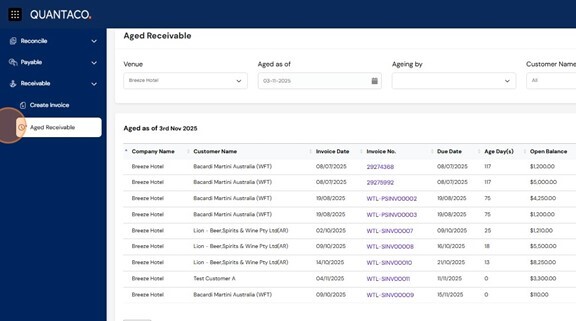
5. At the top of the page, use the four filters to tailor your report:
Venue – Select the location or entity you wish to review.
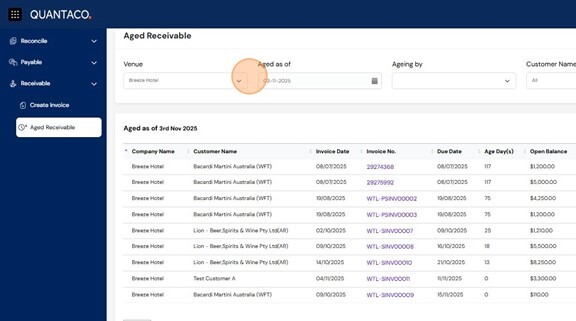
6. Aged As Of – Choose the date to assess invoice aging (defaults to today).
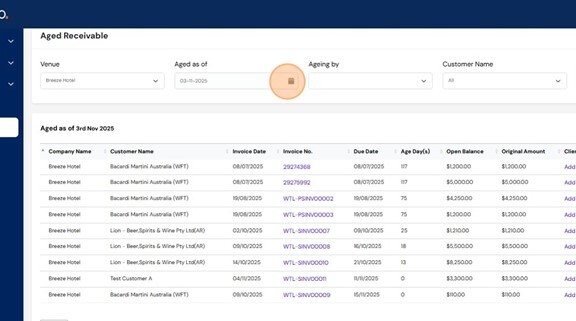
- Not Yet Due
- 30–60 Days Overdue
- 61–90 Days Overdue
- Over 90 Days Overdue
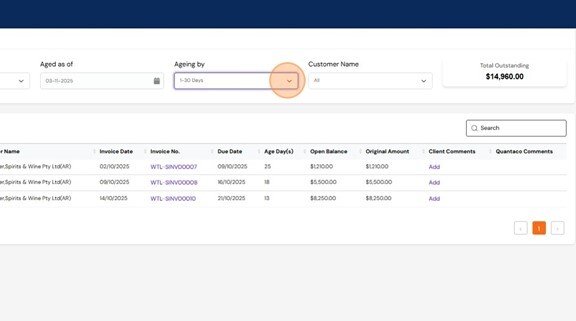
8. Customer Name – Filter to view invoices from a specific customer.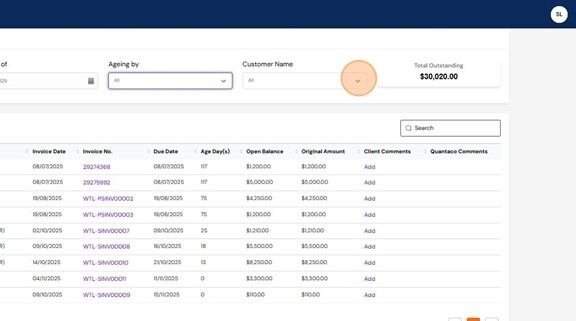
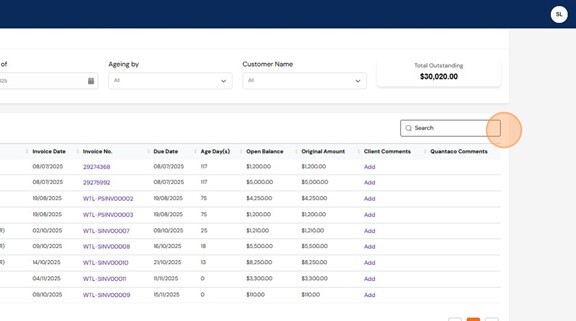
9. Use the Search Function on the top right to quickly locate specific invoices by:
- Description
- Date
- Amount
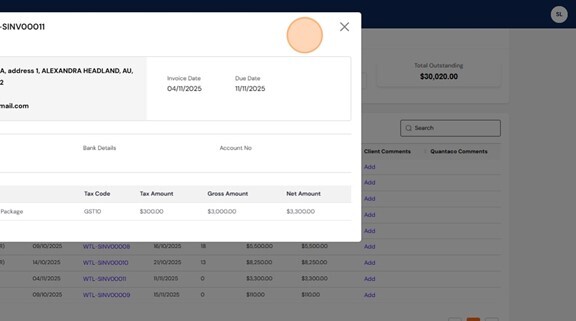
10. To view the invoice details, select the invoice no.
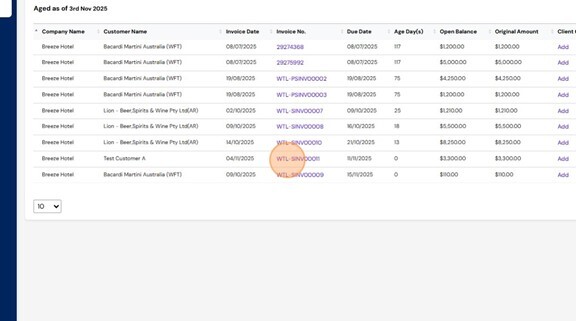
11. This will take you to a copy of the invoice previously created in QFinance.