
The Detailed Cash Up Logs Report is a detailed audit trail of every entry, update, and system calculation recorded during the Cash Up process. Use it to review discrepancies, investigate changes, validate reported figures, and troubleshoot unexpected balances for a selected venue and date range.
The report includes the following details:
- Cash Up figures entered for the selected period
- Till counts and cash totals
- Banking and deposit amounts
- Wagering, gaming, and petty cash entries
- Variances or discrepancies
- User activity (including timestamps)
- Edits or adjustments made during Cash Up
- Backend calculation details
- Approval and processing information
Note: The exact information available may vary depending on your venue configuration and enabled integrations.
You may find this report helpful when:
- Investigating discrepancies or unexpected balances
- Identifying who made changes to a Cash Up
- Auditing historical Cash Up data
- Validating totals against exported or external reports
- Troubleshooting calculation issues
- Providing supporting information to support teams
- Reviewing detailed backend activity for a specific date range
Follow these steps to generate and download the report:
- Log in to Cash Up
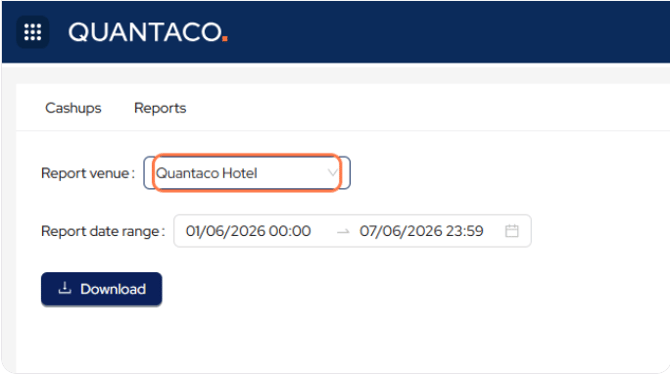
- Select the relevant venue from the venue selector
- Navigate to the Reports section
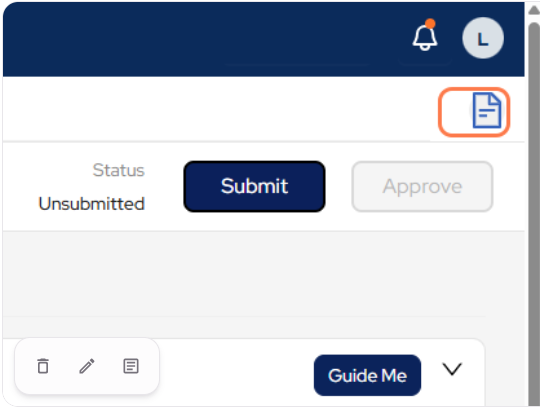
- Click the Document icon in the top-right corner
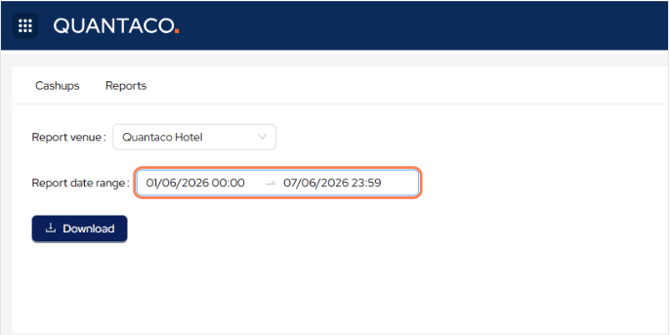
- Choose the required Date range for the report
- Click Download
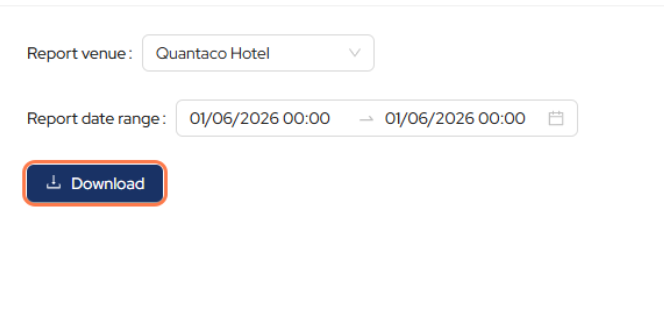
The report will be generated and downloaded to your device.
Additional Notes
- Double-check the venue and date range before downloading
- Large date ranges may take longer to generate
- Access to this report may depend on your user permissions